INDEPENDENT PRODUCT GUIDE
Wispr Flow: A Plain-English Look at Voice Dictation for Any App
I put this guide together to explain what Wispr Flow does, what the free and Pro plans include, and what to check before you sign up.
Affiliate disclosure: I may earn a commission if you sign up or upgrade through links on this page, at no additional cost to you. This is an independent page, not the official Wispr Flow website.
Why I Am Covering Wispr Flow
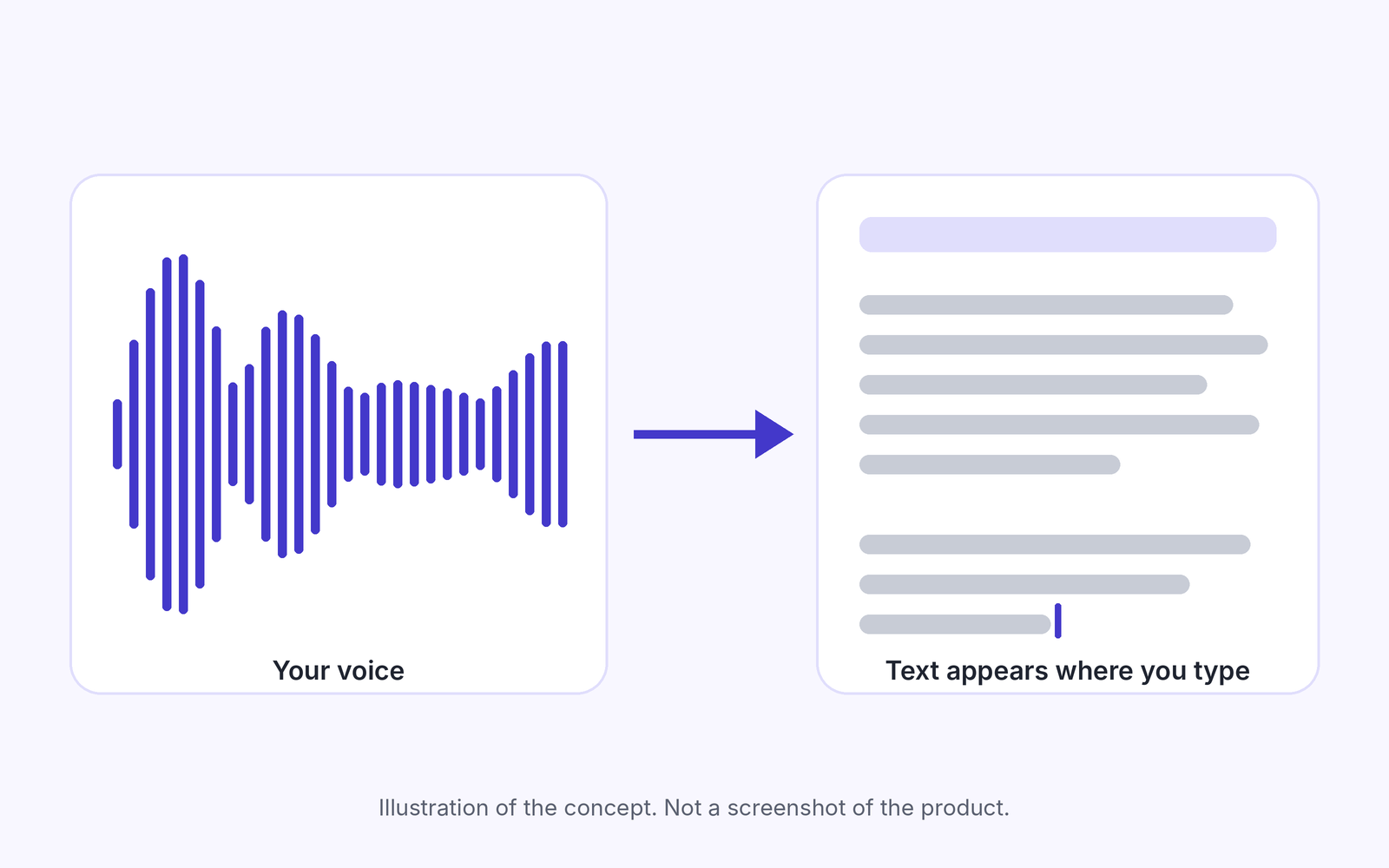
If you write a lot of messages, emails or notes, voice dictation is an obvious thing to look at. Wispr Flow is a dictation app that is built to turn what you say into written text in whichever app your cursor is in. It has a free plan, so it is easy to look into without committing to anything.
This page walks through what Wispr says the app does, what each plan includes, and the trade-offs worth knowing about. I have not run formal tests of my own, so everything here comes from Wispr’s published pages, which I read on November 18, 2026. Where I am repeating a claim from Wispr, I say so.
What Wispr Flow Is and How It Works
Wispr Flow is a voice-to-text app from Wispr AI, Inc. You press your shortcut, speak, and the text is typed wherever your cursor is. Wispr says it works in apps such as Gmail, Slack, Notion, code editors and AI tools like ChatGPT, Claude and Cursor, with no plugins or setup, on Mac, Windows, iPhone and Android.
Source: Wispr Flow home page and privacy page, read November 18, 2026.
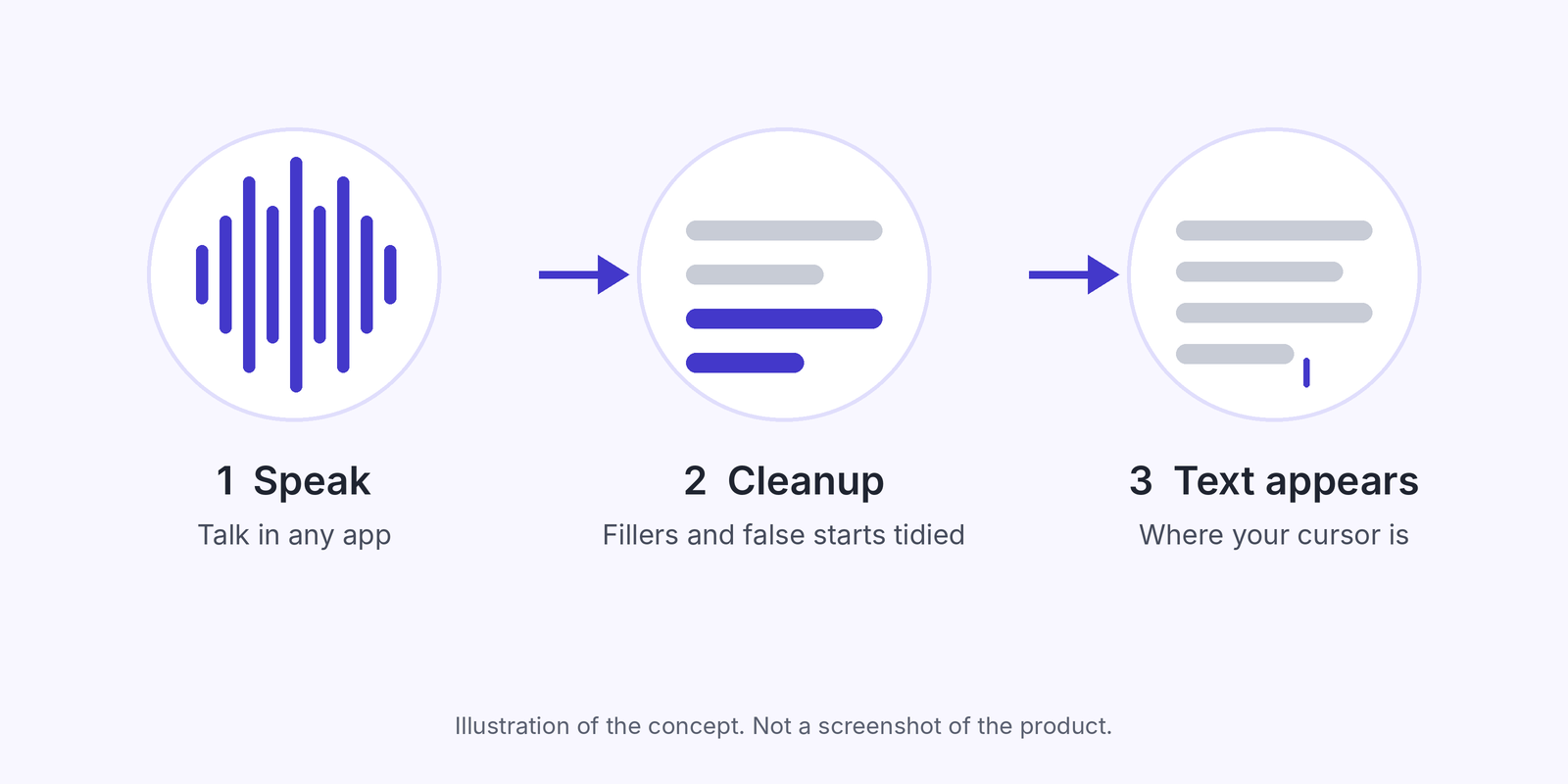
1. Speak
Press your shortcut and talk. Wispr’s privacy page says audio is captured on your device only after you press it.
2. Cleanup
Wispr says Flow removes filler words, catches mid-sentence corrections, adds punctuation and formats lists and paragraphs.
3. Text appears
The result is typed where your cursor is, in the apps you already use.
Main Features and Practical Uses
- Works in the apps you already use, with no plugins required (per Wispr)
- Supports 100+ languages. Wispr recommends selecting the one language you are speaking for the best accuracy
- Personal dictionary for names and jargon
- Snippets: voice shortcuts for text you reuse, such as links or addresses
- Style settings that adapt formatting for messages, work chats and email
- Dictation on Mac, Windows, iPhone and Android
- Notetaker, a separate meeting-notes feature on Mac and Windows only: transcripts, speaker labels and summaries (per Wispr)
Examples Wispr itself mentions include messages, email, notes, code editors and AI tools such as ChatGPT, Claude and Cursor.
Source: Wispr Flow home page, pricing page and affiliate program page, read November 18, 2026.
What to Know Before You Try It
Every tool has trade-offs. These are the ones that stood out in Wispr’s own documentation:
- Audio is processed in the cloud. Wispr says transcription always happens there, so check your employer's policy before using it for work.
- The free plan has a weekly limit. The pricing page says "limited words per week," and Wispr's help center says the allowance differs by platform and account and can change, so check the usage display in the app.
- Notetaker runs on Mac and Windows only. Wispr lists mobile as upcoming.
- Accuracy is not guaranteed. Wispr's terms state that it makes no warranty about the accuracy of outputs, so read what it writes before you send it.
- Wispr advises against Bluetooth earbuds for dictation because they can hurt accuracy. It says the built-in microphone is enough.
- Refunds: Wispr's terms say refunds are only issued if required by law. You can cancel a paid plan at any time.
Sources: Wispr terms of service (last updated August 19, 2026), privacy page, pricing page and help center, read November 18, 2026.
How Wispr Describes Its Privacy Controls
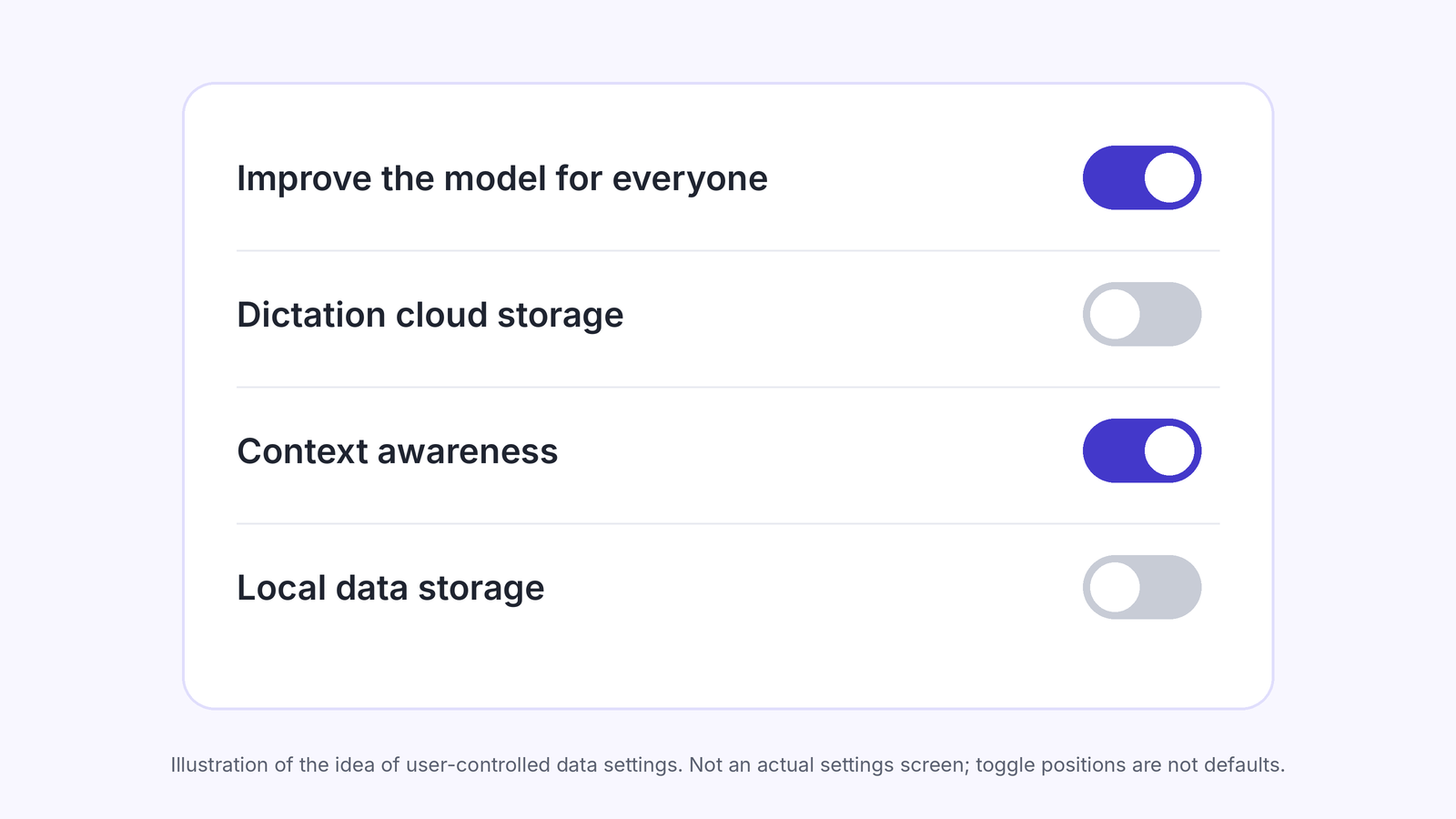
- Wispr says audio is deleted as soon as it is transcribed, unless you turn on Dictation cloud storage.
- A setting called "Improve the model for everyone" controls whether your audio, transcripts and edits may be used to train Wispr's models. Wispr says you can turn it off in Settings > Data and Privacy.
- Context awareness reads limited text from the app you are dictating into, so names come out right. Wispr says you can turn it off.
- Wispr says it never sells your data, and lists SOC 2 Type II and ISO 27001 certifications on its privacy page. I have not audited these.
- Wispr's terms say it may use OpenAI or Anthropic language models to generate outputs, and that these providers do not train on your data and delete shared data after 30 days.
Read the details yourself on Wispr’s privacy page.
Sources: Wispr privacy page and terms of service, read November 18, 2026. These are Wispr’s statements, not independently verified.
Plans and Pricing
| Plan | Price | What Wispr lists |
|---|---|---|
| Free | $0 | Dictation on Mac, Windows, iPhone and Android; 100+ languages; personal dictionary and snippets; limited weekly dictation; limited Notetaker access |
| Pro | $15 per user per month (monthly) or $12 per user per month (annual option) | Everything in Free plus unlimited dictations, unlimited Notetaker history, shared dictionary and snippets, shared team workspace, centralized billing, priority support and early access to new features |
Prices are as shown on Wispr’s pricing page on November 18, 2026 and may change. Local taxes may apply. Pro is listed at $15 per user per month on monthly billing, or $12 per user per month on the annual option. Wispr also lists discounts on Pro for students (50%), educators (40%) and non-profits. I did not find a money-back guarantee in Wispr’s terms, which say refunds are only issued if required by law. Growth and Enterprise plans are aimed at organizations; see Wispr’s pricing page for details.
Sources: Wispr pricing page, terms of service and help center, read November 18, 2026.
It May Suit You If
- You write a lot of messages, emails or notes and would rather talk than type
- You work across several apps and devices and want one tool on Mac, Windows, iPhone and Android
- You want to start on a free plan before deciding on anything paid
It May Not Suit You If
- You need fully offline dictation. Wispr says transcription happens in the cloud
- Your organization does not allow audio to be sent to third-party servers
- You need a guaranteed accuracy level. Wispr gives no such warranty
- You expect the free plan to cover heavy daily dictation. The weekly allowance is limited
Frequently Asked Questions
Is Wispr Flow free?
Wispr offers a free plan with a limited weekly dictation allowance and limited Notetaker access, and says no credit card is needed to start. Pro removes the dictation limit. The exact free allowance varies by platform and account, so check the usage display in the app.
Which devices does it work on?
Dictation is available on Mac, Windows, iPhone and Android. Notetaker runs on Mac and Windows only.
Does it work in every app?
Wispr says Flow types wherever your cursor is, with no integrations to set up. I have not tested every app, so try the apps you rely on during the free plan.
How is it different from built-in dictation?
Wispr says built-in dictation transcribes word for word, including filler words and false starts, while Flow aims to tidy corrections, add formatting and learn your vocabulary. That is Wispr’s comparison, not a test of mine.
Is Wispr Flow an AI writing assistant?
No. Wispr describes Flow as a voice interface that turns your speech into text. It is not a tool you prompt to write new content for you.
Do I need a special microphone?
Wispr says your built-in microphone is enough. It recommends against Bluetooth earbuds for dictation.
Is my voice data private?
Wispr says audio is discarded after transcription unless you enable cloud storage, that you can opt out of model training, and that it never sells your data. See the privacy section above and Wispr’s own privacy page for the full detail.
Can I cancel?
Wispr says you can cancel at any time under Plan & Billing in the desktop app. Its terms say refunds are only issued if required by law.
Is this the official Wispr Flow website?
No. This is an independent guide. I may earn a commission if you sign up or upgrade through my links.
Ready to Look at the Official Page?
The best test of any dictation tool is how it handles your own voice in the apps you use. Wispr’s free plan lets you try it within its weekly limit.
Affiliate disclosure: I may earn a commission if you sign up or upgrade through links on this page, at no additional cost to you. This is an independent page, not the official Wispr Flow website.
Home | Terms | Privacy | Disclosure | Commission Disclaimer | |Earning Disclosure & Legal Statement | Contact |
Affiliate disclosure: I may earn a commission if you sign up or upgrade through links on this page, at no additional cost to you.
© 2026 Trinity Digitech. Independent affiliate site. Not affiliated with or endorsed by Wispr AI, Inc. Wispr and Wispr Flow are trademarks of their respective owner. Product details and prices can change, so always confirm them on the official site. Last reviewed November 18, 2026.