Unbounce Review: Is This Landing Page Builder Right for Beginners and Affiliate Marketers?

Disclosure: This post contains affiliate links. If you sign up through them, Trinity Digitech may earn a commission at no extra cost to you. This review is based on publicly available product information and pricing pages, and details can change, so confirm current plans on the official site.
A landing page is the single most important page in any paid or social campaign, and most beginners skip it. Unbounce is a no-code landing page builder that aims to fix that, and this guide covers what it does, what it costs, and who it actually suits.
If you drive traffic from Facebook, Pinterest, YouTube or email, the visitor lands somewhere. Send them to a busy homepage and they wander off. Send them to a focused page with one message and one button, and they have a clear next step. That gap is what a landing page builder closes, and it is why tools like Unbounce exist.
What Is Unbounce?
Unbounce is a Canadian landing page and conversion platform, founded in 2010, that lets you build, test and improve pages without writing code or hiring a developer. Review sites rate it around 4.4 out of 5.
It is built mainly for people who send paid or targeted traffic to a page and want more of those visitors to act. That includes:
- Affiliate marketers who need a clean bridge page between an ad and an offer
- Side hustlers and beginners who want a professional page without learning web design
- Small business owners running Google, Facebook or email campaigns
- Agencies and freelancers building pages for several clients

Key Features
Unbounce combines a visual builder with AI tools aimed at conversion. These are the features reviewers mention most.
Drag-and-drop builder
You place text, images, buttons and forms anywhere on the page. A classic canvas gives fine control, and the newer Smart Builder generates a starting page from a prompt that you can then edit. Many reviewers suggest starting with Smart Builder for speed and moving to the classic canvas for polish.
Templates and unlimited pages
Over 100 templates cover lead capture, sales, webinar and click-through pages. Reviews also report unlimited landing pages, pop-ups and sticky bars on the paid plans.
A/B testing
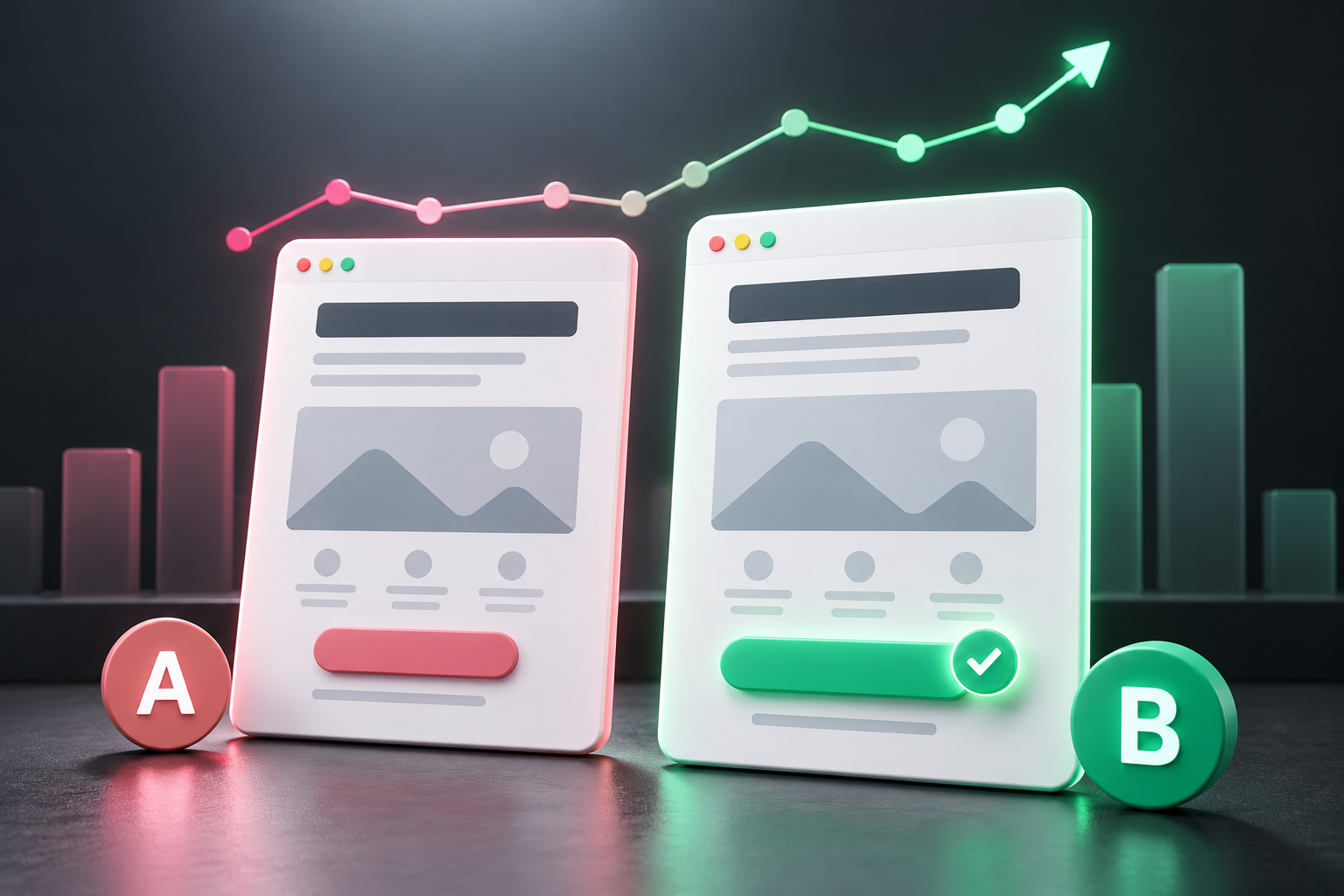
You can run two versions of a page against each other and see which one gets more sign-ups or clicks. For beginners, this replaces guessing with evidence.
Smart Traffic
Smart Traffic is Unbounce’s AI routing feature. It learns which visitors respond best to which page variant and sends them there automatically. Reviews note that it sits on the higher Optimize tier.
Dynamic text replacement
This feature changes a headline to match the keyword or ad a visitor clicked. It helps your page feel consistent with the ad that brought them in.
Integrations
Reviews list more than 1,000 connections through native integrations and Zapier, so leads can flow into your email tool or CRM.
Pricing and Free Trial
Unbounce has no permanent free plan, but most reviews report a 14-day free trial with no credit card required. Published figures vary by source and date, so treat the numbers below as approximate and check the pricing page before you decide.
Plan | Approx. monthly price (billed monthly) | Notable inclusions |
|---|---|---|
Build | About $99 (about $74 billed annually) | Unlimited pages, pop-ups, sticky bars, AI copywriting, around 20,000 visitors/mo |
Experiment | About $149 | Advanced A/B testing, higher visitor limit |
Optimize | About $249 (about $187 billed annually) | Smart Traffic, around 50,000 visitors/mo, more domains and users |
Concierge | About $649 | Dedicated support for larger teams |
One review notes that no refunds are given after the trial, and subscriptions auto-renew unless you cancel. Use the trial fully before you pay.

Pros and Cons
What works well
- No-code builder that is flexible and does not need a developer
- Smart Traffic and dynamic text replacement are built for ad campaigns
- A/B testing helps you improve pages with evidence
- 14-day trial lets you test before paying
- Large template library and 1,000+ integrations
What to weigh
- Priced above several competitors, so it can be a stretch for very small budgets
- Smart Traffic is gated to the Optimize tier
- No permanent free plan
- Reviewers report no native heatmaps
- Visitor limits on each plan, so busy campaigns may outgrow lower tiers
- Reports say the standalone Smart Copy app was shut down in January 2026, though in-builder AI remains
How to Get Started in 5 Steps
- Start the trial. Use the Unbounce invitation link and pick the plan you want to test.
- Choose one goal. Decide whether the page should collect emails, promote an offer, or send visitors to a sign-up page.
- Pick a template or use Smart Builder. Start from a template that matches your goal, then swap in your own headline, image and button.
- Match the page to your ad. Repeat the promise from your ad in your headline so visitors feel they are in the right place.
- Test one change at a time. Run an A/B test on the headline or button, then keep the version that performs better.
Who Should Skip It, and Alternatives
Unbounce makes the most sense when you already send steady, paid or targeted traffic. One review suggests the top tier tends to pay for itself above roughly $3,000 per month in ad spend, and below that level cheaper tools can do the job.
You may be better served by something simpler if you are still building your first audience, have no traffic yet, or only need one basic opt-in page. Common alternatives reviewers mention are:
- Leadpages: lower starting price and a simpler setup, with a shorter 7-day trial
- Instapage: a premium option focused on conversion and personalization
- ClickFunnels: better if you want a full sales funnel, not just single pages
- Landingi: has a free plan to test the basics
Frequently Asked Questions
Do I need to know how to code?
No. The builder is visual, so you drag, drop and edit.
Is there a free plan?
Not a permanent one. Reviews report a 14-day free trial, and some say no credit card is needed. Confirm this on the sign-up page.
Can I use Unbounce for affiliate offers?
It is commonly used to build pages that sit between ads and offers. Always check the offer’s and ad platform’s rules, and include any required disclosures.
Do I need a lot of traffic?
A/B testing and Smart Traffic work best with steady visitors. With very little traffic, results take a long time to show.
Can I cancel anytime?
Reviews say subscriptions auto-renew unless you cancel, so set a reminder before your trial ends.
The Verdict
Unbounce is a strong choice if you send real traffic to your pages and want tools built to improve results, not just to publish a page. It costs more than some rivals, and the best AI features sit on higher tiers, so it fits people with campaigns running more than it fits total beginners with no audience.
The low-risk way to decide is to use the trial: build one page for one offer, run one A/B test, and see how the numbers move before paying anything.
Start your Unbounce free trial here and check the current plans and terms on the sign-up page.
Results vary by traffic, offer and execution. No outcome is guaranteed.
Home | Terms | Privacy | Disclosure | Commission Disclaimer | |Earning Disclosure & Legal Statement | Contact |
Affiliate Disclosure: This article may contain affiliate links. Trinity Digitech may earn a commission from qualifying purchases or sign-ups at no additional cost to you. We aim to provide honest, useful information to help you make informed decisions. Product features, pricing, terms, and results may vary. Please review the provider’s official terms before purchasing.
©Copyright 2026 Trinity Digitech