
TRINITY DIGITECH SOLUTIONS
Email Marketing for Beginners: A Practical Step-by-Step Guide (2026)
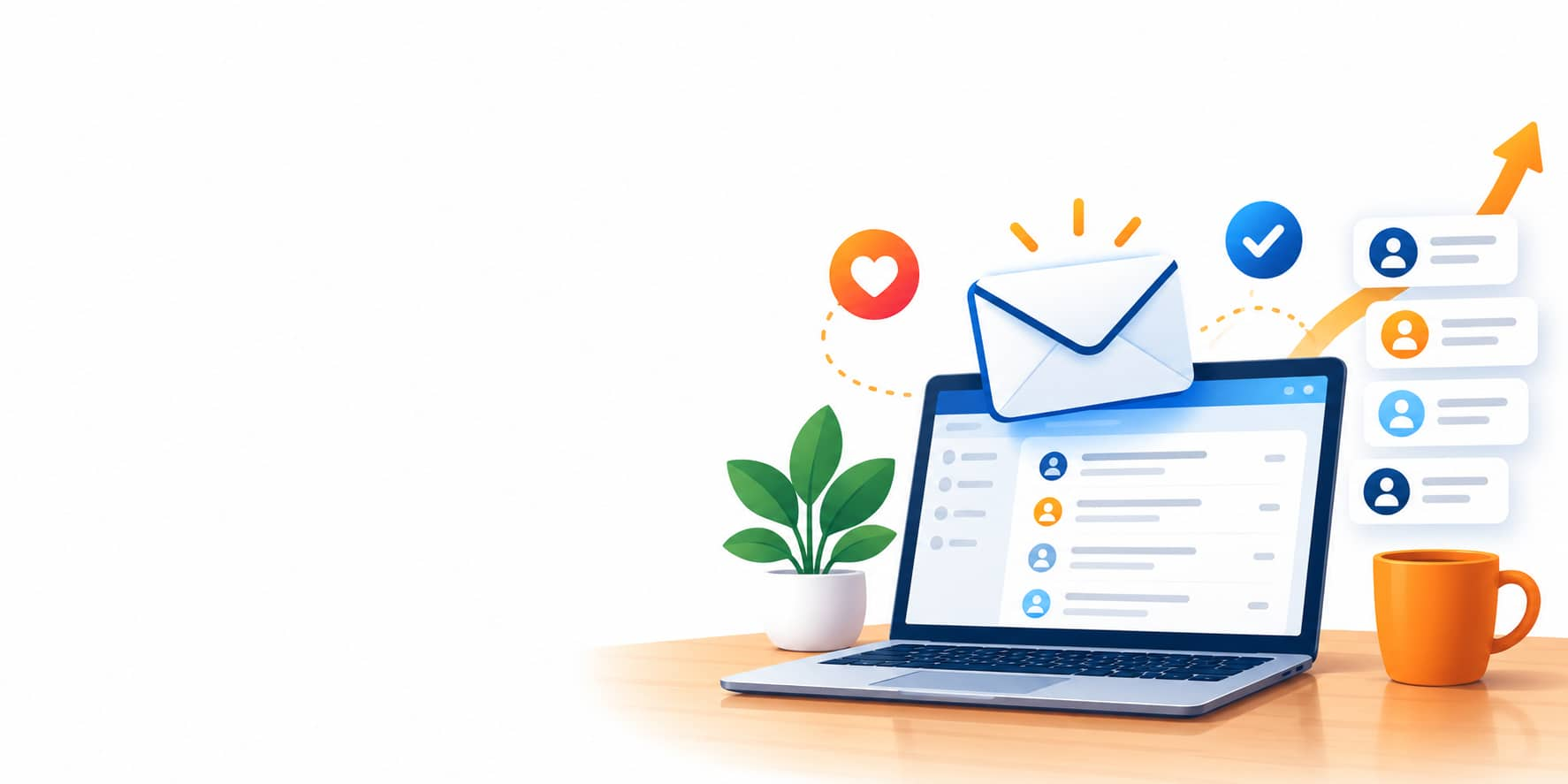

Email marketing is one way businesses, creators, and website owners can communicate directly with people who choose to receive their messages. It can help you share useful information, introduce products, build relationships, and encourage repeat visits to your website.
But getting started involves more than collecting email addresses and sending promotions. You need a clear purpose, permission to contact subscribers, useful messages, and a way to understand what your readers find valuable.
This guide explains how email marketing works, how to build your first email list, how to write effective emails, and how to measure your progress—even if you’re starting from scratch.
Disclosure: This article may contain affiliate links. If you purchase through an eligible link, we may earn a commission at no additional cost to you. Our recommendations should be evaluated based on your needs, budget, and the provider’s current terms.
Table of Contents

What Is Email Marketing?
Email marketing is the practice of sending emails to people who have agreed to receive communications from a business, organization, or creator.
These messages can include newsletters, educational content, product announcements, event invitations, onboarding messages, and special offers.
For example, imagine you publish a website about digital marketing. A visitor reads an article about building an email list and downloads a free checklist. After signing up, the visitor receives the checklist, a helpful tutorial, and occasional updates about related resources.
That is a simple email marketing journey.
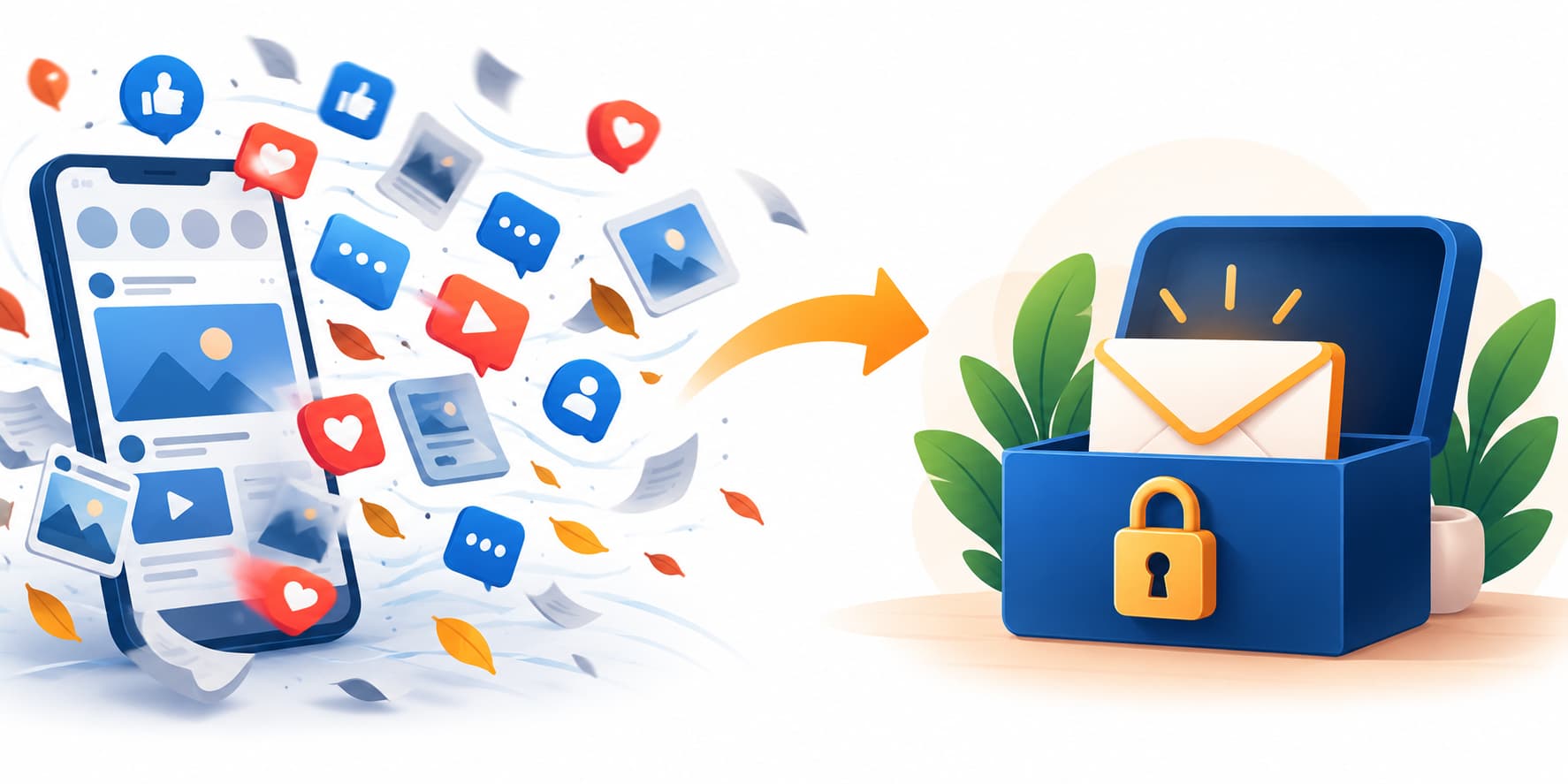
Why does email marketing matter?
Email can help you:
Share new articles, resources, and tutorials.
Build an ongoing relationship with interested readers.
Deliver useful information directly to subscribers.
Introduce relevant products and services.
Invite previous customers or readers to return.
However, email marketing is not a guarantee of sales. Results depend on factors such as audience interest, message quality, deliverability, offer relevance, and consistency.
How Email Marketing Works
A beginner email marketing system usually has five parts.
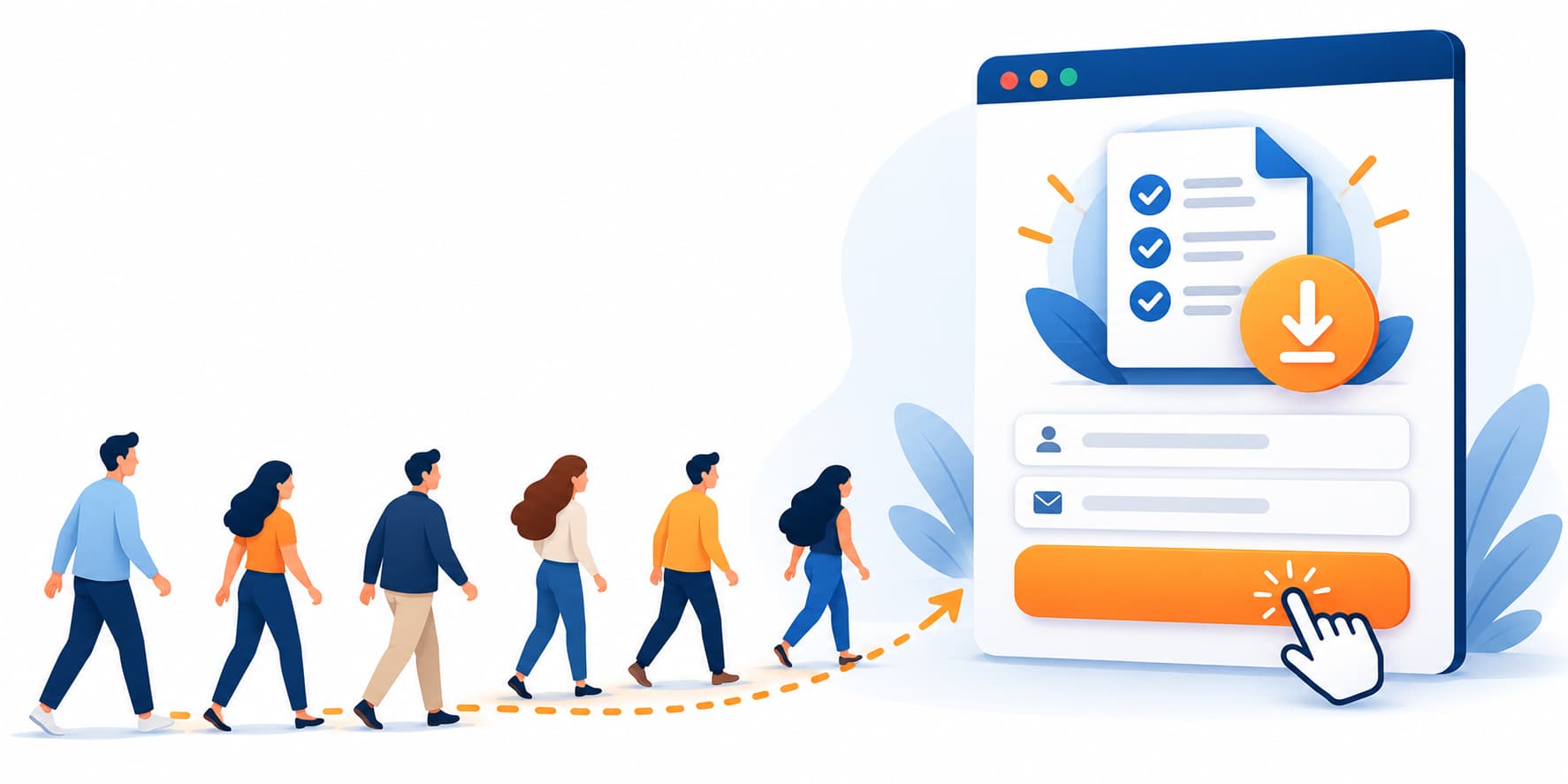
Step 1: Attract the right visitors. People discover your website through search engines, social media, referrals, or other legitimate traffic sources.
Step 2: Offer something useful. You might provide a checklist, short guide, template, or newsletter that matches the visitor’s interests.
Step 3: Collect permission. A signup form explains what the visitor is subscribing to and collects their email address with appropriate consent.
Step 4: Deliver relevant emails. An email marketing platform sends the promised resource and any subsequent messages the subscriber has agreed to receive.
Step 5: Learn and improve. You review meaningful engagement and conversion data to understand which messages are helping readers.
Here is a simple example:
A visitor reads a beginner’s guide to website creation. The article offers a free website launch checklist. The visitor subscribes, receives the checklist, and then receives a short series of tutorials about choosing hosting, creating essential pages, and maintaining a website.
The sequence is useful because each email relates to the original reason the person subscribed.
How to Build Your First Email List
You do not need thousands of subscribers to begin. Start by creating a clear signup experience for a specific audience.
Step 1: Choose a focused topic
Decide what your subscribers want to learn about.
Examples include:
Email marketing for beginners
Website setup and maintenance
Content creation and blogging
Productivity tools for small businesses
Digital marketing tutorials
A focused topic makes it easier to create relevant emails and attract people who are genuinely interested.
Step 2: Create a useful lead magnet
A lead magnet is a resource offered in exchange for signing up to your email list.
Useful examples include:
A checklist for launching a website
A short beginner’s guide to email marketing
A content calendar template
A collection of practical writing prompts
A step-by-step setup worksheet
Make sure the resource delivers what your signup form promises. A short, genuinely useful checklist is better than a lengthy guide filled with generic information.
Step 3: Create a signup form
A straightforward form may ask for an email address and, if useful, a first name.
Your form should clearly explain:
What the subscriber will receive.
Whether they will receive a recurring newsletter or occasional updates.
How their information will be used.
How they can unsubscribe.
Use appropriate consent language for the countries where you operate and the audiences you contact. Do not add purchased, scraped, or otherwise unauthorized email addresses to your marketing list.
Step 4: Create a thank-you page
After someone subscribes, show a confirmation message explaining what happens next.
For example:
“Thank you for subscribing! Check your inbox for the beginner’s checklist. If you don’t see it shortly, check your spam or promotions folder.”
If you use a double opt-in process, explain that the subscriber needs to confirm their address before receiving the resource.
Step 5: Send the promised resource
Deliver the lead magnet promptly and make the next step clear. If you plan to send more educational emails, make sure the signup process accurately communicates that expectation.
Beginner tip: Before promoting your form, subscribe using an email address you control. Check the confirmation process, delivery, links, formatting, and unsubscribe function.
Choosing an Email Marketing Tool
An email marketing platform helps you manage subscribers, create messages, send campaigns, and review performance. Some platforms also provide signup forms, automation workflows, and landing pages.
The right tool depends on your list size, budget, technical comfort, and required features.
Email marketing platforms to compare
| Platform | Worth considering for | What to check |
|---|---|---|
| GetResponse | Email newsletters, autoresponders, unlimited email sends, landing pages, signup forms and popups, basic segmentation, contact management, basic reporting, AI email tools, and one automation workflow. | Starter plan |
| AWeber | Create and send professional email newsletters and campaigns. Set up automated follow-up messages and customer journeys. | My chosen AWeber plan includes email marketing and automation tools to build my subscriber list. |
What should beginners look for?
Ease of use: Can you create a signup form and send a message without unnecessary complexity?
List management: Can you organize subscribers by their interests and subscription status?
Automation: Can the platform send a welcome email when someone subscribes?
Deliverability support: Does the provider offer authentication guidance and tools for managing bounces and unsubscribes?
Cost: Will the service remain affordable as your subscriber count and sending needs grow?
Compliance features: Can you manage consent records, unsubscribe requests, and suppression lists appropriately?
If you are just starting, choose a tool that meets your current requirements. You can move to a more advanced plan when your needs justify the additional expense.
How to Write Emails People Want to Read
A useful email has a clear purpose. It should help readers understand something, take a relevant next step, or receive information they asked for.
Write a specific subject line
The subject line should accurately communicate the email’s main idea.
For example:
“Your Website Launch Checklist”
“Three Ways to Improve Your Signup Form”
“A Simple Welcome Email Template”
“How to Organize Your Content Calendar”
Avoid misleading subject lines, exaggerated promises, or artificial urgency. There is no subject line that guarantees a particular open rate.
Use a clear structure
A beginner-friendly email can follow this pattern:
Opening: Introduce the topic or the reader’s question.
Useful information: Explain one idea or provide a practical tip.
Next step: Recommend one relevant action.
Closing: End naturally and include the required sender and unsubscribe information.
Example: A helpful educational email
Subject: A Simple Way to Plan Your Emails
Hello,
If you’re new to email marketing, planning every message in advance can feel difficult.
Try starting with three email ideas:
A welcome message that delivers the resource your subscriber requested.
A practical tutorial that helps them solve a related problem.
A checklist or example they can use immediately.
Write each email around one main idea. This makes your messages easier to read and helps you avoid sending several unrelated promotions in a single message.
Your next step: write down three questions your ideal subscriber is likely to ask. Those questions can become the subjects of your first three educational emails.
Best regards,
The TrinityDigitech Team
This example is a template. Adapt it to your audience, brand voice, and actual signup promise before using it.
Include a relevant call to action
A call to action (CTA) tells readers what to do next. It might invite them to read a tutorial, download a resource, reply to a question, or explore a relevant product.
Make sure the action is clear and the destination matches the email’s promise. You do not need multiple competing calls to action in every message.
A Practical Seven-Day Welcome Sequence
A welcome sequence is a set of automated emails sent to new subscribers according to a schedule or trigger.
Here is an example for someone who subscribes to a digital marketing newsletter.
| Timing | Email topic | Purpose |
|---|---|---|
| Day 0 | Deliver the promised resource | Help the subscriber get started |
| Day 1 | One common beginner mistake | Provide an immediately useful lesson |
| Day 2 | A practical step-by-step tutorial | Help the subscriber apply what they learned |
| Day 3 | A worked example or template | Demonstrate how the process can be used |
| Day 4 | Frequently asked questions | Address common uncertainties |
| Day 5 | A tool comparison or decision guide | Help the subscriber evaluate available options |
| Day 7 | Recommended next steps | Summarize key lessons and offer a relevant resource |
This is a sample schedule, not a universal rule. Some audiences prefer fewer messages, and some topics require a different pace. Adjust the timing based on the expectations set on your signup form and the responses you observe.
Example of the first welcome email
Subject: Your Beginner’s Checklist Is Here
Hello,
Thanks for subscribing to TrinityDigitech.
You can access your requested checklist here: [Insert the actual resource link].
A useful way to get started is to choose one task, complete it, and then move to the next. You don’t need to set up every marketing tool or automation on your first day.
Over the next few messages, we’ll share practical ideas to help you build a simple email marketing process.
If you have a question about the checklist, you can contact us using the details on our website.
Best regards,
The TrinityDigitech Team
Before publishing, replace the placeholder with the correct resource URL and test it. Do not send the email until the destination works.
How to Measure Email Marketing Results
Tracking a few meaningful metrics helps you understand whether your emails are reaching people and meeting their needs.
| Metric | What it tells you | What to investigate |
|---|---|---|
| Delivery rate | The proportion of sent messages accepted for delivery | Invalid addresses, bounces, and sending configuration |
| Click-through rate | The proportion of delivered emails that generate tracked clicks, according to your provider’s definition | Link relevance, message clarity, and CTA placement |
| Unsubscribe rate | The proportion of recipients who unsubscribe | Message frequency, audience expectations, and content relevance |
| Conversion rate | The proportion of a defined audience completing a desired action | The offer, landing page, user experience, and measurement setup |
| Spam complaint rate | How often recipients report messages as spam | Consent, relevance, frequency, and list acquisition methods |
Definitions and calculation methods can vary between providers. Check your platform’s documentation when comparing results.
Be careful when interpreting open rates
Open rates are not a perfect measure of reader interest because privacy features, image loading, and automated activity can affect recorded opens.
Clicks and meaningful downstream actions can provide additional context, although they also need to be interpreted carefully. For example, security systems may automatically visit links.
How to improve results
Send content that matches the subscriber’s original interests.
Keep signup promises and email topics consistent.
Remove or suppress addresses that repeatedly bounce.
Test one meaningful change at a time.
Use accurate, descriptive subject lines.
Make the unsubscribe process straightforward.
Evaluate results across a meaningful period rather than reacting to one email.
Your objective should be to create a useful experience for subscribers, not simply to maximize a single metric.
Common Beginner Mistakes
Buying an email list
Purchased lists can contain people who never agreed to receive your messages. This can create compliance, reputation, and deliverability problems. Build your list through legitimate, permission-based methods instead.
Sending only promotional emails
If every message asks the reader to buy something, subscribers may lose interest. Provide relevant educational content and make promotions appropriate to the audience and their expectations.
Ignoring unsubscribe requests
Honor unsubscribe requests promptly and maintain suppression records. Do not continue marketing to people who have opted out.
Choosing a platform based only on price
A low starting price may not include the features you need later. Compare the complete plan, contact limits, sending allowances, automation capabilities, and potential upgrade costs.
Sending emails without testing
Test your signup forms, links, formatting, and automated sequence before sending messages to your list. A broken resource link can undermine the experience from the very first email.
Treating every subscriber the same
Subscribers may have different interests and levels of familiarity with your topic. When appropriate and supported by consent, use relevant segments so readers receive information that fits their needs.
Frequently Asked Questions
Is email marketing suitable for beginners?
Yes. Beginners can start with a simple signup form, a useful resource, and a short welcome email. More advanced segmentation and automation can be added as requirements grow.
Do I need a website to start email marketing?
Not necessarily. Some services provide landing pages and signup forms. A website can nevertheless help you publish useful resources, explain your business, and attract readers who are interested in your topic.
How many subscribers do I need before sending emails?
There is no universal minimum subscriber count. You can test your setup with your own address and begin communicating with people who have validly subscribed. Follow the rules and sending limits of your email provider.
How often should I email my subscribers?
It depends on what you promised during signup, your audience’s preferences, and the value of your content. Choose a sustainable schedule and make changes based on feedback and engagement.
Is email marketing free?
Some platforms offer limited free plans or trials, but the available features, contact limits, and sending allowances vary. Review current terms before choosing a service.
Can I use affiliate links in email marketing?
That depends on your email provider’s rules, the applicable law, and the affiliate program’s terms. Disclose commercial relationships where required, use legitimate subscriber lists, and never disguise the destination or purpose of a link.
How long does it take to see results?
There is no fixed timeline. Results depend on your audience, offer, content, traffic, and consistency. Focus first on building a compliant process and learning what subscribers find useful.
10. Your First Email Marketing Checklist
- Chosen a clear audience and topic.
- Created a useful resource or newsletter promise.
- Written a transparent signup form.
- Set up appropriate consent and confirmation procedures.
- Tested resource delivery and all links.
- Prepared a helpful welcome email.
- Added required sender identification and unsubscribe functionality.
- Reviewed your provider’s sending rules and applicable privacy requirements.
- Defined one or two meaningful results to measure.
You do not need a complicated funnel to begin. Start with a small, reliable system, learn from your subscribers’ needs, and improve it gradually.
Final Thoughts
Email marketing works best when it is treated as an ongoing relationship rather than a series of sales messages. Give subscribers a clear reason to join, deliver what you promise, and send information that helps them make progress.
Once the basics are working, you can explore segmentation, automation, landing pages, and more advanced reporting. Choose tools according to your needs and budget, verify current product details, and prioritize the experience you provide to your readers.
Article review note: Platform features, prices, legal obligations, and provider policies can change. Verify these details before publishing or making a purchasing recommendation.
©Copyright 2026 Trinity Digitech

TRINITY DIGITECH SOLUTIONS