GetResponse for Solopreneurs: 7 Powerful Ways to Grow Faster
GetResponse for solopreneurs can help you grow your email list, automate marketing, nurture subscribers, and generate more sales without spending every waking hour promoting your business. When you’re running a business alone, every minute matters. You need practical tools that simplify your workload and help you focus on what you do best.
Whether you’re a freelancer, online coach, content creator, digital product seller, or affiliate marketer, growing your business doesn’t have to mean doing everything manually.
GetResponse combines email marketing, marketing automation, landing pages, signup forms, and other marketing tools to help you build relationships with your audience and support your business growth.
In this guide, you’ll discover seven practical ways to use GetResponse for solopreneurs to work smarter, save time, and create a more consistent marketing strategy.

Why GetResponse for Solopreneurs Is a Smart Choice
Being a solopreneur means managing several responsibilities at once. You create content, find customers, answer questions, promote your offers, and handle the everyday tasks that keep your business running.
Without an organized marketing system, it’s easy to become overwhelmed.
GetResponse can help bring important marketing activities together in one platform. Instead of managing every subscriber interaction manually, you can use its tools to create campaigns, collect email addresses, and automate parts of your customer journey.
Here are some ways it can support your business:
Save time: Use email templates and AI-powered content assistance to get campaigns started faster.
Build your audience: Create signup forms and landing pages to encourage visitors to subscribe.
Strengthen relationships: Send useful emails that educate, engage, and build trust with subscribers.
Automate repetitive tasks: Set up workflows that deliver messages based on subscriber actions and conditions.
Support sales: Promote relevant services, digital products, and affiliate recommendations through targeted campaigns.
The biggest benefit is having a more organized approach to marketing without needing to hire an entire marketing team.
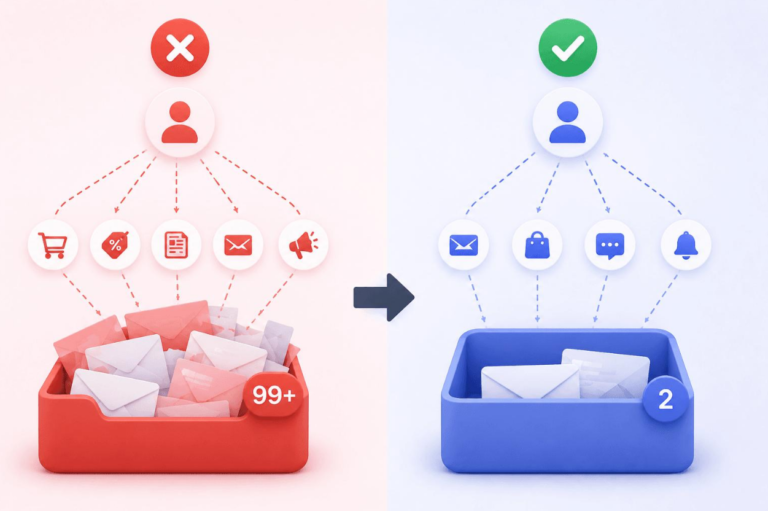
GetResponse for Solopreneurs: Build an Email List
Your email list can become one of your most valuable business assets.
Social media helps you reach new people, but an email list gives you a direct way to communicate with subscribers who have chosen to hear from you.
GetResponse provides tools such as signup forms, popups, and landing pages to help you turn interested visitors into email subscribers.
Create a Valuable Lead Magnet
A lead magnet is a free resource that encourages people to join your email list.
For example, you could offer:
A productivity checklist for busy entrepreneurs.
A free guide for starting an online business.
A short email marketing course.
A downloadable template for planning social media content.
A beginner’s guide to affiliate marketing.
Choose a resource that solves a specific problem for your target audience.
Next, create a landing page that explains what subscribers will receive and why it is useful. Keep the headline clear, highlight the benefits, and make signing up simple.
Once visitors subscribe, you can deliver the promised resource and begin building a relationship with them.
Pro tip: Focus on attracting subscribers who are genuinely interested in your niche. A smaller, engaged email list can be more valuable than a large list of people who rarely interact with your messages.

Create Professional Email Campaigns in Less Time
Consistent communication helps your audience remember your business and understand how you can help them.
However, writing every email from a blank page can take time, particularly when you’re juggling multiple responsibilities.
GetResponse offers email templates, an email editor, and AI-powered assistance that can help you brainstorm ideas, draft messages, and organize your campaigns.
You can use these tools to create:
Welcome emails for new subscribers.
Educational newsletters that share practical advice.
Product announcements and promotional campaigns.
Invitations to webinars or online events.
Follow-up emails that answer common questions.
For example, imagine you’re an online coach who helps small business owners improve productivity.
You could send a weekly email containing one practical tip, a short personal story, and a recommendation for a resource that helps readers take action.
Over time, this consistent communication can strengthen relationships and help subscribers become more familiar with your services.
Remember to review AI-generated content before sending it. Add your own experience, personality, and examples so your emails sound authentic and useful.
GetResponse Marketing Automation for Solopreneurs
One of the biggest challenges for solopreneurs is staying consistent when business gets busy.
You might forget to follow up with a potential customer, delay sending a welcome email, or struggle to keep in touch with subscribers while working on a client project.
Marketing automation can help reduce these repetitive tasks.
GetResponse provides automation tools that let you build workflows around subscriber actions and other conditions.
Build a Simple Welcome Email Sequence
For example, your first automated sequence could work like this:
A visitor subscribes: They sign up through your landing page or signup form.
A welcome email arrives: They receive a friendly introduction and the resource you promised.
You provide value: A follow-up email shares useful information related to their interests.
You introduce a solution: You explain how your product, service, or recommended tool may help.
You invite action: A final message encourages them to explore the offer or learn more.
Once configured, the workflow can run automatically for eligible subscribers, according to your settings.
You can then spend more time creating content, serving customers, or developing your products.
Explore the GetResponse marketing automation features to learn more about the available tools.
Automation doesn’t replace genuine communication. It helps you deliver relevant messages more consistently while keeping your workload manageable.
Turn Email Subscribers into Paying Customers
Building an email list is only the beginning. Your next goal is to create a meaningful connection between what your subscribers need and what your business offers.
GetResponse can help you support this process with email campaigns, landing pages, and automation workflows.
Promote Your Products and Services
If you’re a consultant, share useful insights that demonstrate your expertise and explain how your services can help solve a problem.
If you sell digital products, use educational emails to explain the value of your ebook, course, templates, or workshop.
If you’re an affiliate marketer, recommend relevant products that genuinely fit your audience’s needs.
For example, you could create a free email marketing checklist, deliver it to new subscribers, and follow up with practical lessons about building an audience.
You could then introduce GetResponse as a tool for creating email campaigns, managing subscribers, and automating parts of the marketing process.
Explain the benefits honestly, provide a clear next step, and disclose your affiliate relationship where required.
The objective is to help readers make informed decisions rather than pushing them toward a purchase before they’ve received any value.
Make Your Calls to Action Clear
Every promotional email should make the next step easy to understand.
Instead of including several competing offers, focus on one primary action, such as visiting a landing page, exploring a product, or creating an account.
A clear call to action helps subscribers understand what to do next.
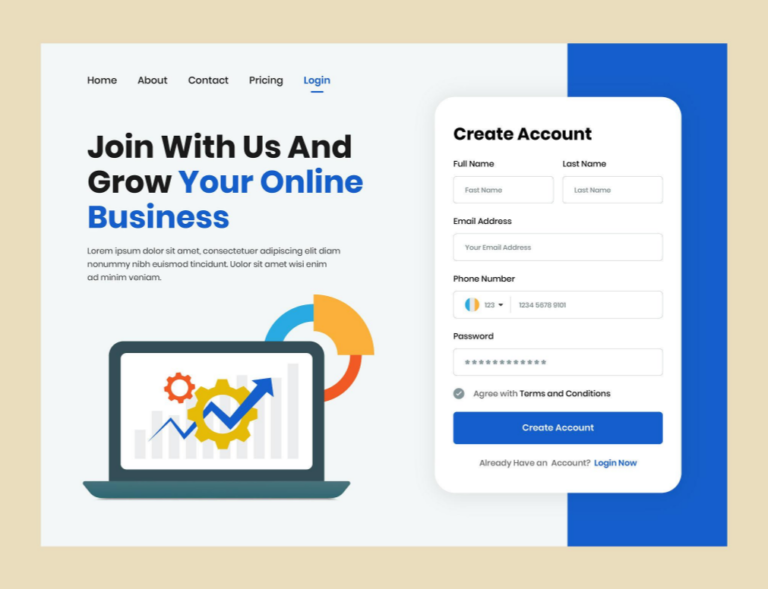
Simplify Your Marketing Workflow with GetResponse
Solopreneurs often use multiple tools to manage their websites, email campaigns, lead generation, and customer communication.
Managing too many disconnected systems can create unnecessary complexity.
GetResponse brings several marketing capabilities together, including email marketing, landing pages, signup forms, and automation. Additional features and limits depend on the plan you choose.
This can help you build a more connected marketing process.
For example, a visitor might discover your blog, sign up for a free resource on a landing page, receive an automated welcome sequence, and later receive an invitation to explore one of your paid offers.
Each step supports the next part of the customer journey.
You can also review the GetResponse email marketing features to understand how the platform supports campaign creation and audience communication.
Before choosing a plan, compare current features, pricing, subscriber limits, and any requirements that matter to your business.
Start with what you need today rather than paying for features you may not use.

Is GetResponse Affordable for Solopreneurs?
When you’re building a business alone, managing expenses is just as important as attracting customers.
You may not have the budget to hire a copywriter, email marketing specialist, designer, and automation consultant.
Using a platform with several marketing tools can help simplify your setup and reduce the need to manage every activity separately.
GetResponse offers different plans, including an option to create a free account. Availability, limits, and advanced features depend on the current plan terms.
To decide whether it fits your budget, ask yourself:
How many subscribers do I currently have?
Do I need automated email sequences?
Will I use landing pages or signup forms?
Do I need additional tools, such as webinars?
Which features will help me achieve my next business goal?
You don’t need to implement every feature immediately.
Start with one useful landing page and a welcome email sequence. As your audience grows, explore additional tools based on your results and needs.
This approach helps you build your marketing system gradually while keeping your priorities clear.

How to Get Started with GetResponse for Solopreneurs in 30 Days
You don’t need a complicated strategy to begin. A simple, repeatable process can help you make steady progress.
Week 1: Choose Your Audience and Lead Magnet
Identify your ideal audience and the main problem you want to help them solve.
Create a useful resource, such as a checklist, template, or short guide, that gives people a clear reason to subscribe.
Week 2: Build Your Landing Page
Use GetResponse to create a landing page and signup form for your resource.
Write a benefit-focused headline, explain what subscribers will receive, and make the signup process straightforward.
Share your page through your blog, social media profiles, and other relevant channels.
Week 3: Set Up Your Welcome Emails
Create a short sequence that welcomes subscribers, delivers helpful advice, and introduces your business.
Use automation to schedule the messages according to your chosen workflow.
Focus on building trust before making a promotional offer.
Week 4: Measure Your Results
Review the available campaign and landing page data.
Check how many people visit your page, how many subscribe, and how subscribers engage with your emails.
Use these insights to improve your messaging, signup experience, and content.
Your first month doesn’t need to deliver perfect results. The aim is to establish a process you can learn from and improve over time.
Is GetResponse for Solopreneurs Right for Your Business?
GetResponse is worth considering if you want to build an email list, communicate with subscribers, automate repetitive marketing tasks, and support your sales efforts from one platform.
It may be particularly useful for:
Freelancers who want to stay connected with prospective clients.
Coaches and consultants who need to educate leads and promote their services.
Content creators who want to build an audience beyond social media.
Digital entrepreneurs who sell ebooks, courses, templates, or other online products.
Affiliate marketers who want to share useful content and recommend relevant tools.
The best solution depends on your audience, budget, and marketing goals. Explore the available features and choose the plan that fits your requirements.
Ready to Simplify Your Email Marketing?
Explore how GetResponse can help you build your email list, create campaigns, and automate subscriber follow-ups—all within a connected marketing workflow.
Check the available plans, features, and terms to find the right fit for your business.
Home | Terms | Privacy | Disclosure | Commission Disclaimer | |Earning Disclosure & Legal Statement | Contact |
Affiliate Disclosure: This article may contain affiliate links. Trinity Digitech may earn a commission from qualifying purchases or sign-ups at no additional cost to you. We aim to provide honest, useful information to help you make informed decisions. Product features, pricing, terms, and results may vary. Please review the provider’s official terms before purchasing.
©Copyright 2026 Trinity Digitech