Manychat for Instagram: Stop Sending Leads to a Dead-End Link in Bio
Every Instagram post you publish sends interested people to the same dead end: a link in your bio. Manychat replaces that dead end with a conversation, and this guide shows how it works, who it is for, and how to set up your first automation in an afternoon.

The Link in Bio Is Where Your Sales Go to Die
Picture your best Reel. Someone watches to the end, wants what you are offering, and is ready to act. Then the friction starts.
They have to leave the post, open your profile, find the right link in a list of links, and tap it. Somewhere in that chain a notification pops up, they switch apps, and they never come back. You did the hard part, earning their attention, and lost them at the last step.
The numbers Manychat shares in its partner material show how steep the drop is: roughly 1% click-through for a link in bio, against 46% for a link sent in a direct message. Those are Manychat’s figures and your own results will vary, but the direction is clear. The fewer steps between interest and action, the more people act.
The other half of the problem is your time. If you answer every DM and send every link by hand, you are trading hours each evening for conversations that an automation could start for you.
There is a simpler way to do this.
What Manychat Does (and Why It Is Safe to Use)
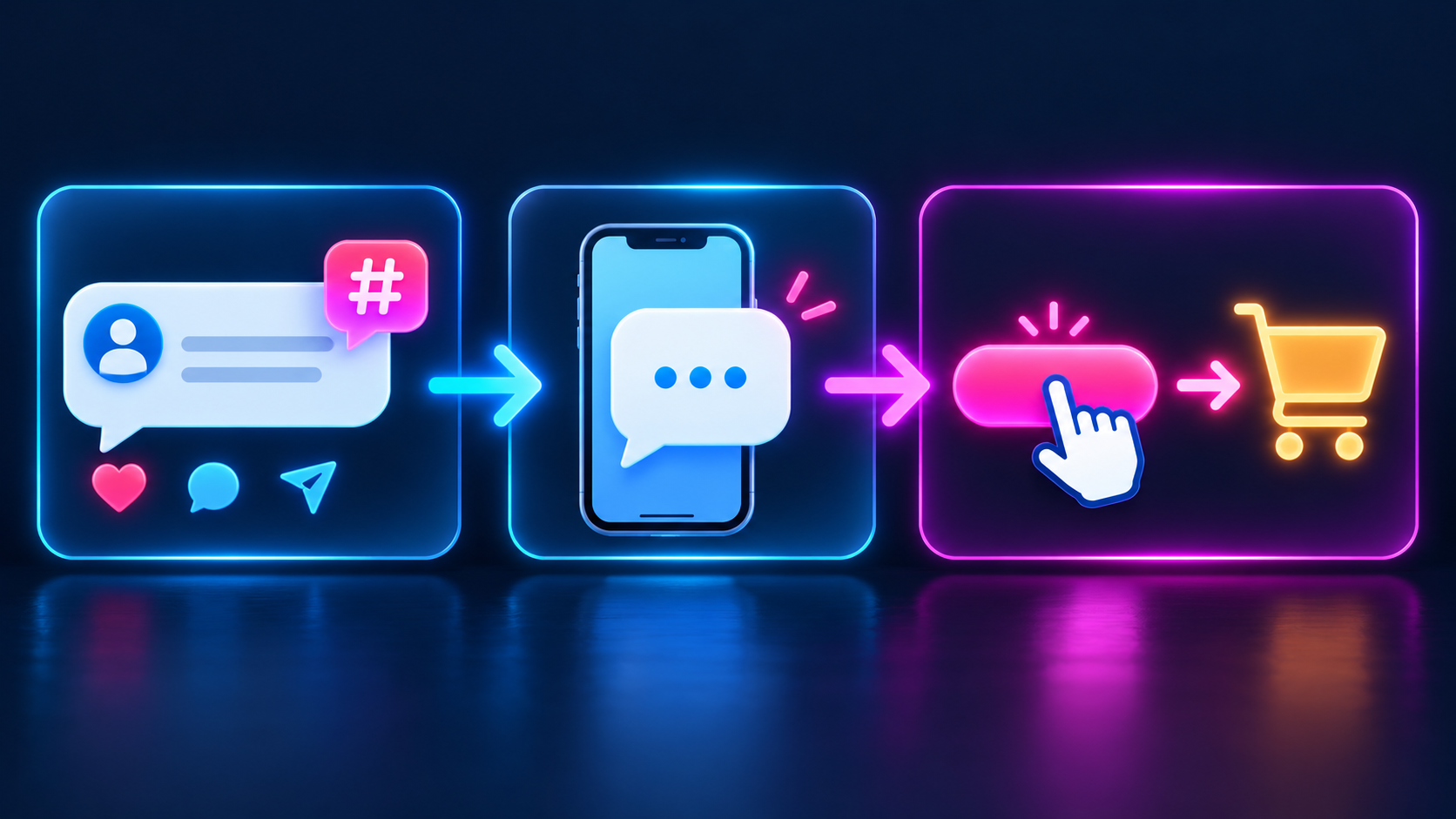
Manychat is a chat automation platform for Instagram and Facebook. You pick a keyword, tell your audience to comment it on a post or Reel, and Manychat instantly sends that person a direct message with the link, freebie or information you chose. Every comment becomes the start of a conversation, and every conversation is a chance to sell.
The question most people ask first is whether this is allowed. Manychat describes itself as an official Meta Business Partner and says it is approved for use on Instagram, with the platform supporting only uses that follow Meta’s guidelines. That is a very different situation from the unofficial bots and follow-unfollow tools that put accounts at risk. As with any tool, you are still responsible for using it within Instagram’s rules, so read them once before you go live.
It also needs no coding. Manychat includes an AI Assistant that can write or improve your message text. You enter a short prompt, choose a tone of voice and an output language, and it drafts the message for you.
Grow: Build an Audience You Actually Own
Here is the uncomfortable truth about Instagram: you do not own your followers. If your account is suspended or hacked, your audience can disappear overnight, along with every sale that depended on it.
Manychat gives you a way to fix that. When someone comments your keyword, the automation can ask for their email address inside the DM. Once they type it in, Manychat can pass it to your email software or CRM, so you keep nurturing that person on a list that belongs to you.
The benefit is practical as well as defensive:
- Fewer eggs in one basket. If Instagram goes down or your reach drops, you can still email your list.
- No extra content. You post on your normal schedule and add a keyword to the call to action.
- Warmer leads. People who ask for something and hand over their email are already interested, which makes follow-up easier.

Engage: Turn Silent Viewers into Active Commenters
Most creators know the feeling: hundreds of views, plenty of likes, and almost no comments. Comments matter because they are a visible sign that a post is worth showing to more people.
Comment-to-DM automation gives viewers a reason to comment. You end your post with a clear instruction such as “Comment GUIDE and I’ll send it to you.” Each person who does gets an instant reply in their DMs, so they feel looked after, and your post collects the engagement it would otherwise miss.
Manychat’s own explanation is that this extra engagement signals to Instagram that the post is popular, which can help it reach a wider audience. No one outside Instagram can promise how its algorithm will respond, so treat that as a likely benefit rather than a guarantee. What you can count on is the practical gain: no comment goes unanswered and no link gets forgotten.
Convert: Move Leads Toward a Sale Without Leaving the DM
The conversation that starts in the comments does not have to end there. Because the follower is already in your DMs, you can keep guiding them one short message at a time.
A simple funnel looks like this:
- The hook. Your Reel or post ends with a keyword call to action, for example “Comment WEBINAR to join the free class.”
- The instant reply. Manychat sends a DM with a button that links to your sign-up page or offer.
- The follow-up. You can send a second message to people who did not click, so a distracted viewer gets a second chance.
- The data. Because the link goes out through Manychat, you can see who clicked and judge how well each piece of content really performs.
The result is that your content stops being something people merely enjoy and becomes a path they can follow to the next step.

How to Set Up Your First Manychat Automation
You can have your first automation running in a single sitting. The steps below follow the setup process in Manychat’s partner guide.
- Create your Reel or post exactly as you normally would.
- Add a keyword call to action in the caption or in the video. This keyword is what triggers Manychat.
- Build the automation in Manychat using the Comment Automation tool, and set your keyword as the trigger.
- Add your link as a button in the DM, such as a “Tap here” button that opens your offer or sign-up page.
- Set the automation live.
- Publish your post. Every comment with your keyword now gets the DM automatically.
One tip on keywords: choose something distinctive such as LIST1 or PHANTOM rather than a common word like “link”, so the automation does not fire on words your audience uses every day.
Who Manychat Is For
Manychat is built for people who want to grow, engage and convert an audience on Instagram and Facebook. Three groups get the most from it:
- Creators. Bloggers, influencers, online educators, coaches, fitness instructors and course creators who want more commenters to become customers.
- Small businesses. Agencies, service providers, local shops and software companies that want to reach prospects, nurture leads and track what social media actually sells.
- eCommerce stores. Shops that want to follow up with customers, upsell, and measure sales that come from social content, in any niche.
If you already post regularly and send people to a link in your bio, you are the person this tool was designed for.
What Creators Report Using Manychat
The figures below come from Manychat’s own partner material. They are results for those individuals, not guarantees, and they are not results from Trinity Digitech.
- Amy Porterfield collected 18,634 new email addresses over 10 months using Manychat, according to Manychat.
- Jenna Kutcher’s funnels collected 38,490 email addresses and generated $900,000 in sales, with 95% of those results coming from free, organic content, according to Manychat.
- Jenna Kutcher also used the keyword comment strategy to generate $491,659 in revenue, according to Manychat.
Treat these as examples of what is possible when a strong audience meets a well-built funnel. Your outcome will depend on your offer, your content and your audience.
Key Takeaways and Your Next Step
If you remember only three things from this guide, make them these:
- Remove friction. A link sent in a DM asks far less of your audience than a link in your bio.
- Own your audience. Collect emails inside the DM so a suspended account never erases your list.
- Start small. One post, one keyword and one automation is enough to see how it works.
The best way to judge Manychat is to build one automation and watch what happens to your comments and clicks. Manychat offers a free plan, and you can check the current limits and any trial or promotion on the sign-up page before you decide on a paid plan.
Start with Manychat here and claim the current offer
Pick one post you already planned for this week, add a keyword to the call to action, and let your first automation run.
Frequently Asked Questions
What is comment-to-DM automation?
It is a setup where a keyword typed in a comment on your post or Reel triggers an automatic direct message from you, usually containing a link or more information.
Manychat approved by Instagram?
Manychat states that it is an official Meta Business Partner and approved for use on Instagram. Follow Instagram’s current rules when you build your automations.
Do I need to know how to code?
No. Automations are built in a visual tool, and an AI Assistant can help you write and improve your message text.
Do I have to post more content?
No. You keep your normal posting schedule and add a keyword call to action to posts you already planned.
Can I build an email list with it?
Yes. The automation can ask for an email address in the DM and send it to your email software or CRM.
Is there a free plan?
Manychat offers a free plan, and paid plans scale with your number of contacts. Limits and prices change, so confirm the current details on the sign-up page.
Home | Terms | Privacy | Disclosure | Commission Disclaimer | |Earning Disclosure & Legal Statement | Contact |
Affiliate Disclosure: This article may contain affiliate links. Trinity Digitech may earn a commission from qualifying purchases or sign-ups at no additional cost to you. We aim to provide honest, useful information to help you make informed decisions. Product features, pricing, terms, and results may vary. Please review the provider’s official terms before purchasing.
©Copyright 2026 Trinity Digitech